Most verification rejections are avoidable, and they are avoidable before you upload anything. The problem is that the requirements differ by document type and by whether you are submitting on a phone or a desktop, so a generic list either misses things or drowns you in items that do not apply.
Pick three options and this builds the list for your situation. The point is to photograph everything once, correctly, rather than discovering the problem after a rejection and a queue.
What the list is based on, and what it deliberately does not claim (expand)
What it produces
Four groups: the requirements that apply whatever document you use, the ones specific to your document type, the ones specific to the device you submit from, and — if you selected it — proof of address. Plus the failure modes that particular combination runs into most often.
Where it comes from
Public platform requirements and the material collected in our own sign-up walkthrough, prepared in advance and kept in this page. It reflects common practice, which is not the same as the specific requirement your account is shown at submission time.
Where the two disagree, the platform's own submission screen wins. Always. This list is preparation, not authority.
Why the device matters
The document photography requirements barely change between phone and desktop. The liveness check changes a lot. Laptop webcams are often poorer than phone cameras, lighting tends to be worse at a desk, and browser camera permissions add a failure mode that does not exist in an app.
Our own experience, offered as experience rather than a rule: when the desktop liveness step fails twice, switching to the phone app is more productive than a third attempt. That is in the list because it worked for us, not because a platform document says so.
Proof of address is not needed on day one
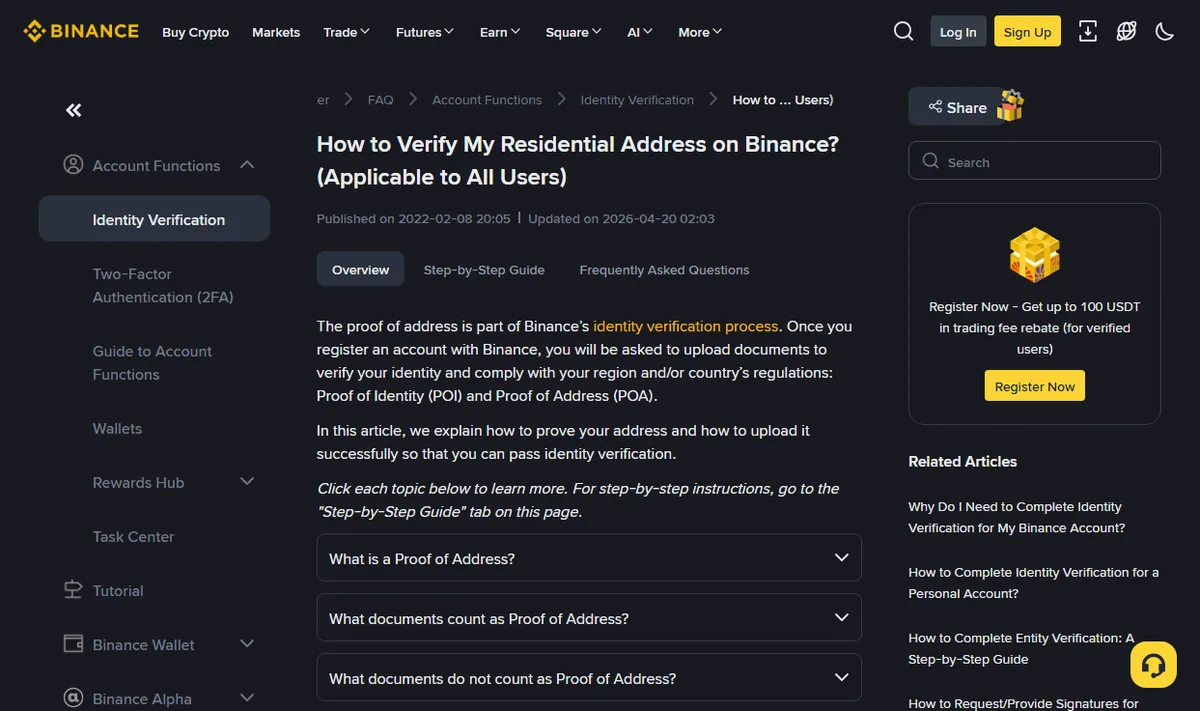
Select "not yet" unless you are raising limits or responding to a review. It gets requested later, and the requirements are stricter than people expect: recent, in your own name, showing name and address together. Worth knowing early even if you do not need it yet — if every bill in your household is in someone else's name, that is a problem to solve before it blocks a withdrawal.
What this tool cannot tell you
Whether your document type is accepted for your region. That depends on current platform policy and it changes. The reliable check is on the verification screen itself: select your region and look at the document types it offers. That list is current by definition, which no compiled checklist can be.
Nothing is uploaded
You make three choices and get a list back, and that is all that happens. No documents, no images, no personal information. Nothing is sent anywhere, because the checklist works entirely in your browser. Your documents are for the platform, never for us.
After you submit
Stop after two consecutive failures. Most platforms cap attempts, and hitting the cap means a waiting period or manual intervention — slower than getting it right on the third try. Contact support instead, with the step it fails at, the exact error text, and what you have already tried. The rejection causes worked through one by one are in verification rejected.